
Happy New Year to everyone! After a long break, we are back again with another post about a very common task in Magento 2. How to remove default footer links.
As you see below, Magento 2 ads by default the following links in the footer area.
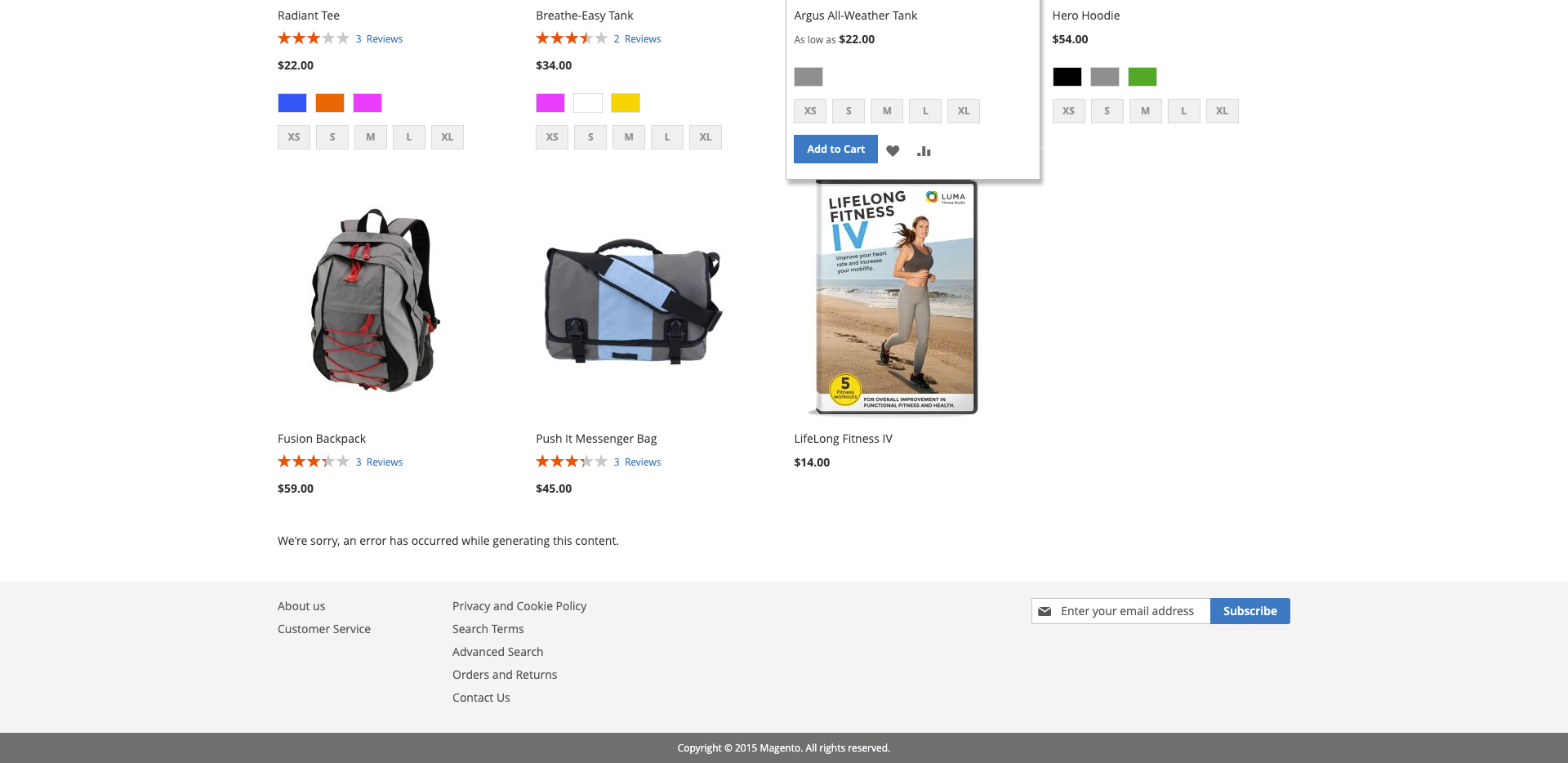
Is quite common that you do not need those links. You can simply remove them via layout. Simply create a default.xml file under your theme directory /app/design/frontend/VENDOR/THEME/Magento_Theme/layout/ and add the following code. The code removes only the links for Privacy and Cookie Policy, Advanced Search and Orders and Returns. The rest can be removed / hided via configuration in admin.
Feel free to share this post and ask your questions in the comments below.
Till next time!